Permission to Pivot

Unlock deeper insight into your true strengths and career direction with your free MAPP© Assessment results—exclusively available with your book purchase. This powerful assessment helps you understand what motivates you, where you naturally thrive, and how to align your work with your purpose. Simply follow a few easy steps to complete your assessment and claim your personalized results.
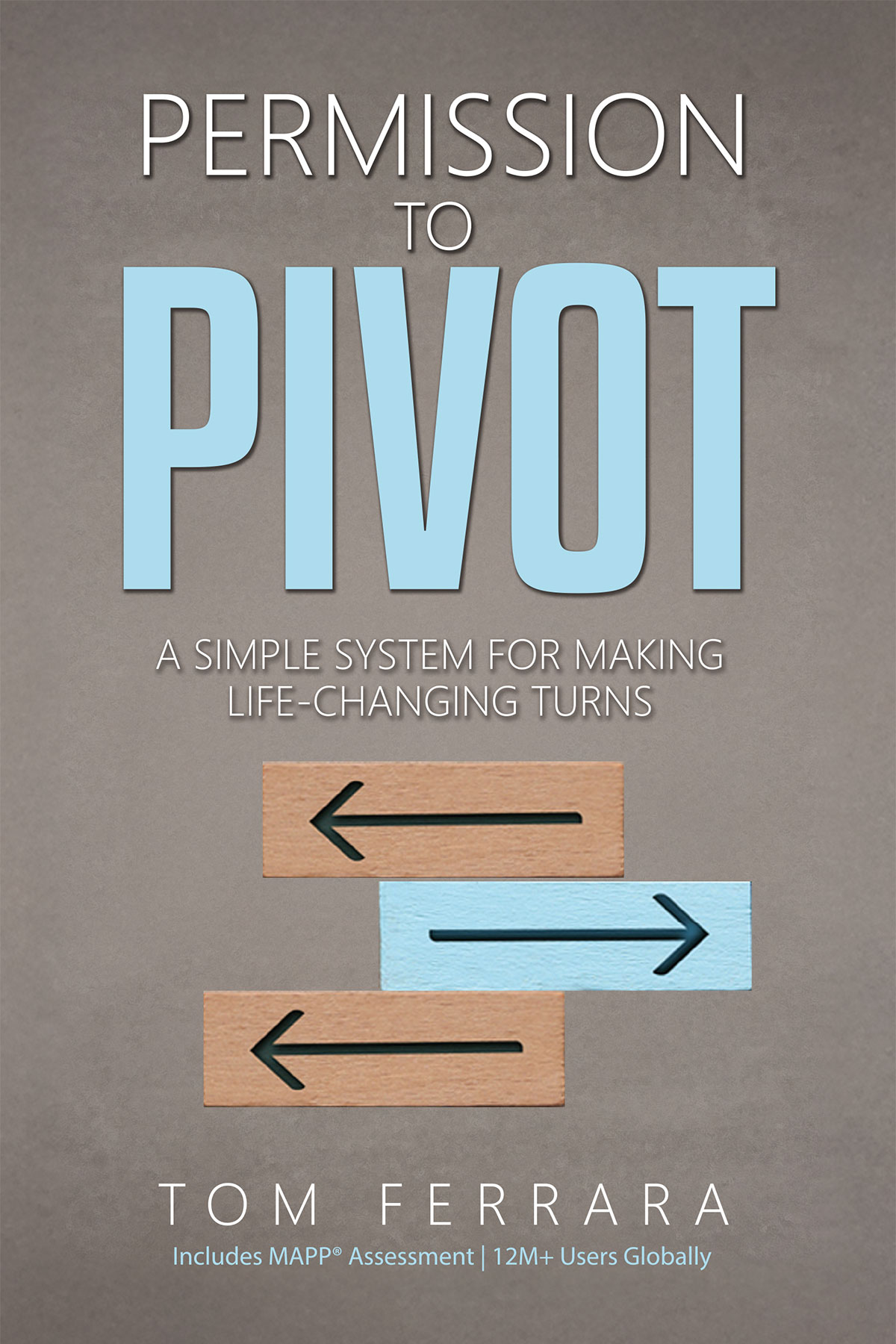
Follow the steps below to unlock your MAPP© results.

Discover what truly drives you and how to align your work with your natural strengths. The MAPP© Assessment is designed to uncover your unique motivations, helping you gain clarity on the kind of roles, environments, and opportunities where you’ll thrive.

With your book purchase, you have exclusive access to unlock your full results. By completing a simple assessment and submitting your claim, you’ll receive personalized insights that can guide smarter career decisions and meaningful growth.

Steps:

Create your account

Go to www.assessment.com and register for an Individual Account. Important: Business, Coach, or EDU accounts are not eligible for this offer.

Take the MAPP© Assessment

Start and complete the MAPP© Assessment (approximately 15–20 minutes). This step is required to generate your results profile.

Submit Your Claim

After completing the assessment, visit www.assessment.com/permissiontopivot  and enter the same email address you used to create your Individual account, tell us where you purchased the book, and submit proof of purchase (order confirmation, receipt, or screenshot).

4 Receive Your Keycode

Receive Your Keycode Once verified, we will send a personal keycode to the email on your account. Use this keycode to unlock your full MAPP© Assessment results. Keycodes are one-time use only and valid for Individual accounts only.

Max file size 10MB.
Uploading...
fileuploaded.jpg
Upload failed. Max size for files is 10 MB.
Your submission has been received.
Once the information you have provided has been verified,
you will receive an email to the email address used on the form with instructions on how to get your MAPP Results.


Remember, your next chapter doesn't
require permission - Just a decision!
Oops! Something went wrong while submitting the form.

Important Requirements:

  1. You must create an Individual Account at assessment.com
  2. You must complete the full MAPP© Assessment
  3. You must submit the same email used on your account
  4. Proof of purchase is required for verification
  5. Keycodes are one-time use only
  6. Business, Coach, and EDU accounts do not qualify
  7. Incomplete assessments will not receive access
  8. Start Now Go to www.assessment.com Create your Individual account and complete the MAPP© Assessment.
  9. Claim your results at www.assessment.com/permissiontopivot
  10. Offer Valid for physical book purchases only (ebook & audio books don't apply)
  11. Offer valid and limited to first 100,000 people
  12. Offer is not transferable

×

Exciting News!

Be one of the first to Beta Test the new
AI-Powered Assessment.com Platform.

Sign Up Now